Online Reservation Management System for Businesses
Manage customer reservations online with OneWayQueue. Let customers book through a QR code, receive reservation confirmations and reminders, and manage reservations from a simple online system.

How reservation system works?
Customer scan QR code
Customers use their own mobile phones to scan QR code.
Start Your Free Trial >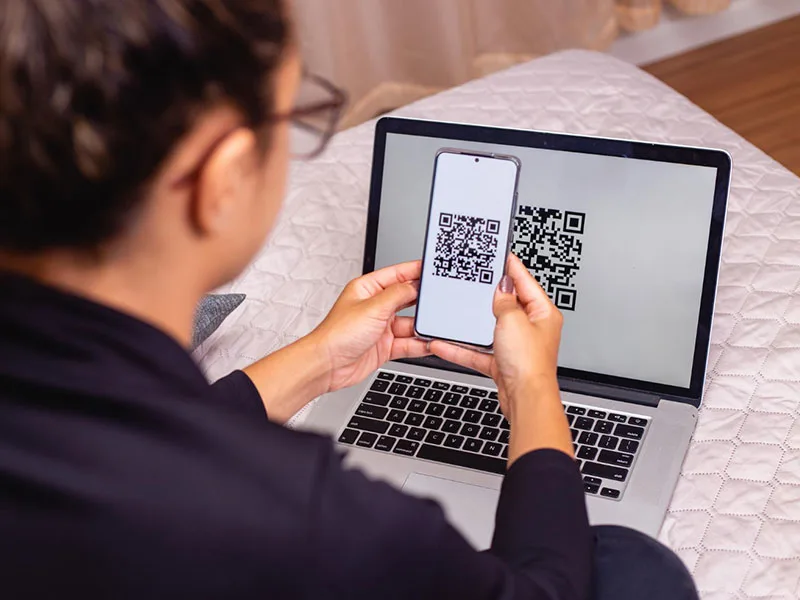
Enter your name, contact number, email and reservation slot
We can capture additional details such as number of guests and additional requests from your customers.
Start Your Free Trial >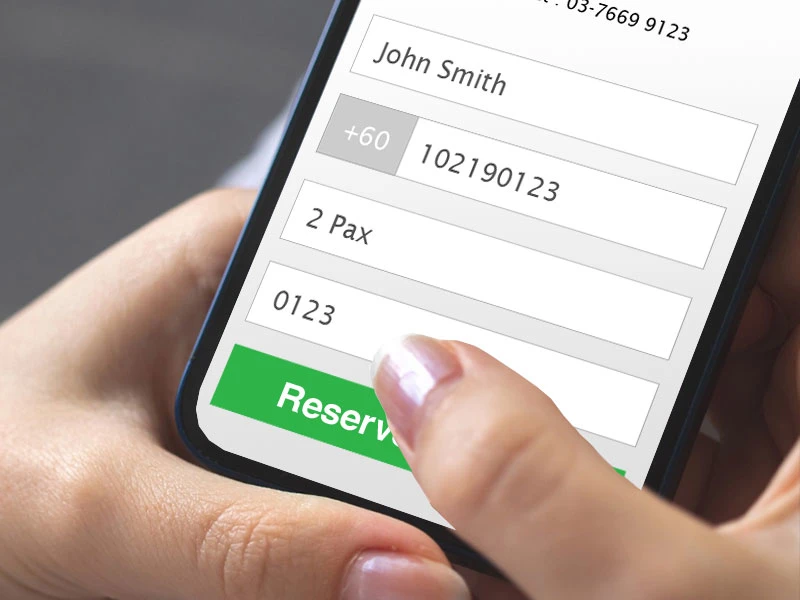
Receive confirmation on reservation via Email
Once you have confirmed the reservation, the system will inform your customer on their reservation.
Start Your Free Trial >
Receive reminder on reservation via Email
A few days before the reservation date, the system will send a reminder email to your customer.
Start Your Free Trial >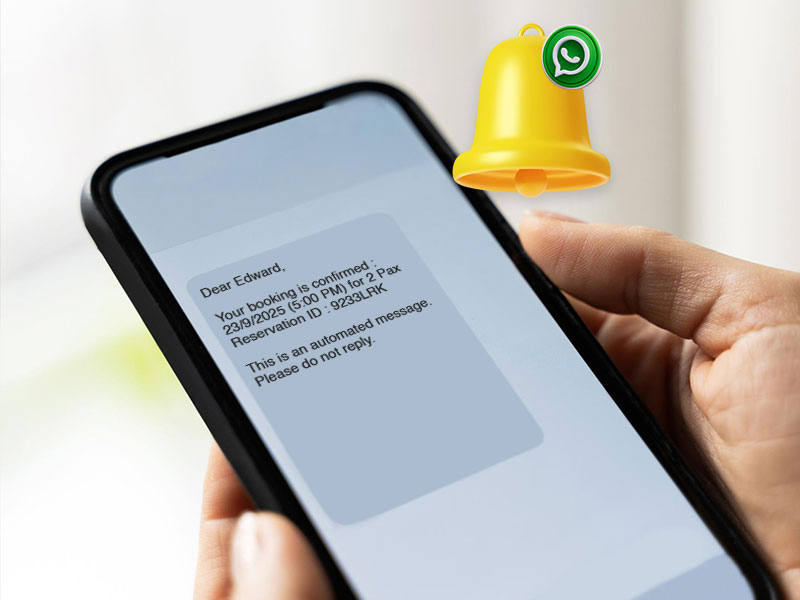
Reservation system is suitable for
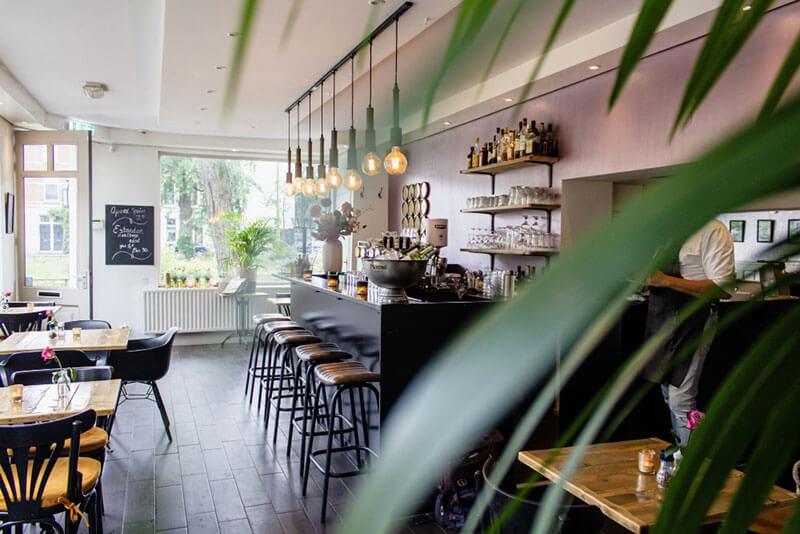
Restaurant Reservation System
Manage restaurant bookings and give customers a convenient way to reserve a table online.

Spa Reservation System
Make it easier for customers to book wellness and spa appointments.

Hair Salon Reservation System
Manage customer bookings and reservation slots through a simple online system.

Clinic / Dental Reservation System
Organise customer appointments and reservation sessions online.
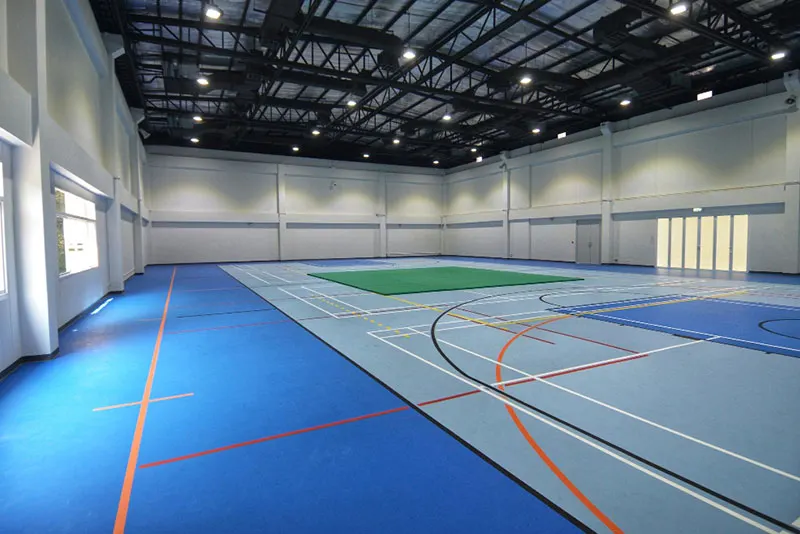
Sports Centre Reservation System
Manage bookings and scheduled sessions for sports facilities.

Fitness Gym Reservation System
Give members a convenient way to reserve available sessions and services.
Why Businesses Use OneWayQueue
Reduce Reservation No-Shows
Automated reminders help customers remember their upcoming reservations.
Make Booking Easier
Customers can scan a QR code and make a reservation using their own mobile phone.

Reduce Manual Reservation Work
Give your team an online system to manage reservations instead of relying on phone calls, spreadsheets or manual records.

Manage Multiple Locations
Businesses with multiple outlets can manage reservations across different locations.

No Hardware Installation
The system works online using a phone, tablet or laptop with an internet connection.

Get Better Visibility of Your Reservations
Keep reservation information organised and use reporting to understand your bookings and business activity.
A plan that works for you
Standard Package
RM200/mth
Billed quarterly
- 1 QR code per location
- Unlimited Reservations
- Each customer will receive 2 Email messages - confirmation & reminder
- Email Notification & Reminder
- Reporting
- No installation required
Reservation system features

QR Code scanning for reservation

Received reservation confirmation via Email

Configurable reservation sessions
Frontend System for reservation management
Reservation reminder
Online system (no additional software or hardware to install)
Frequently asked questions
An online reservation management system allows businesses to accept, organise and manage customer reservations through an online platform.
Yes. Customers can scan the business's QR code using their mobile phone and access the online reservation form.
Yes. OneWayQueue can send reservation reminders to customers before their scheduled reservation.
For reservation management, you can use any hardware (tablet, mobile phone or laptop) with an internet connection. All hardware costs are your responsibility.
Yes. The system can support businesses with multiple stores or locations.