Queue Management




How queue system works?
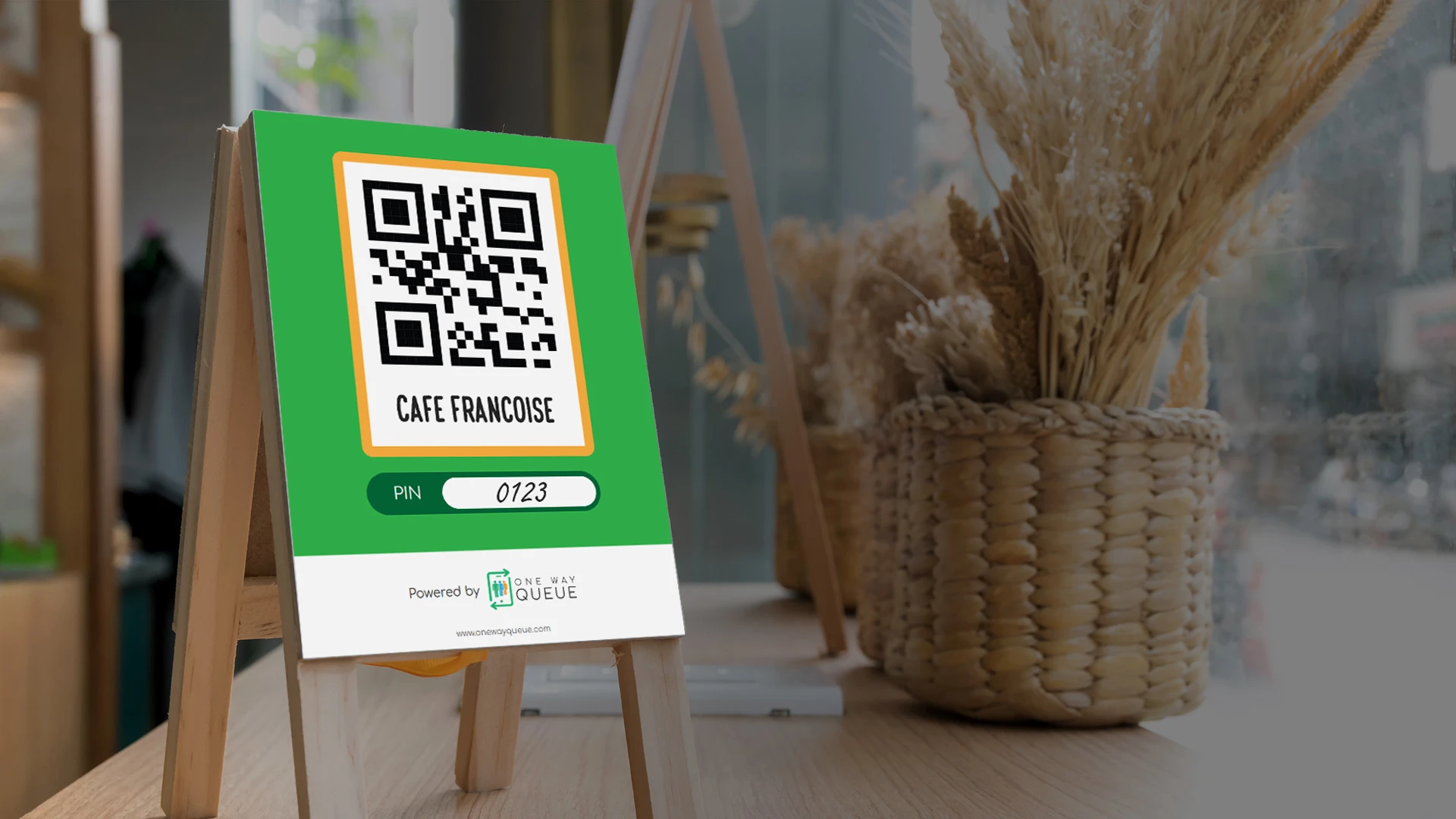
Customer scan QR code
Customer use their own mobile phone to scan QR code.
Start Your Free Trial >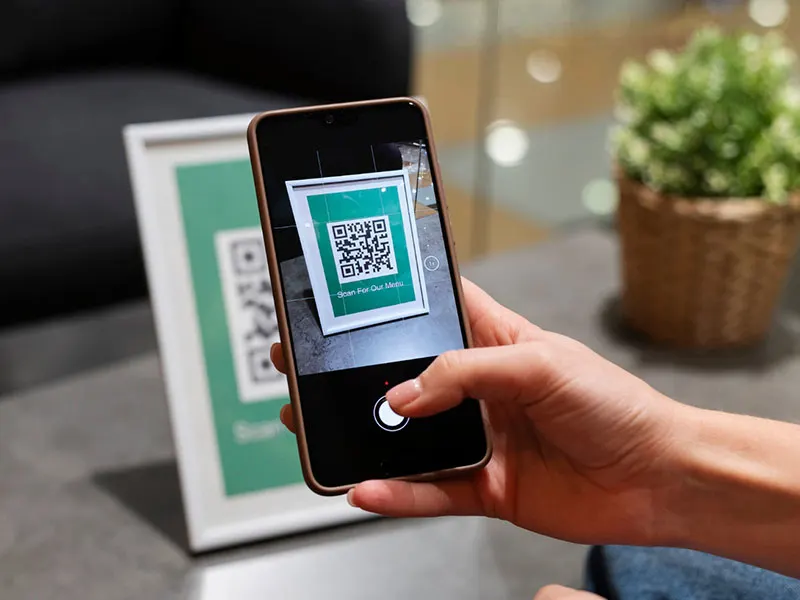
Fill up name & contact number
We can capture additional details such as no of pax, queue purpose (eg Consultation / Payment), etc
Start Your Free Trial >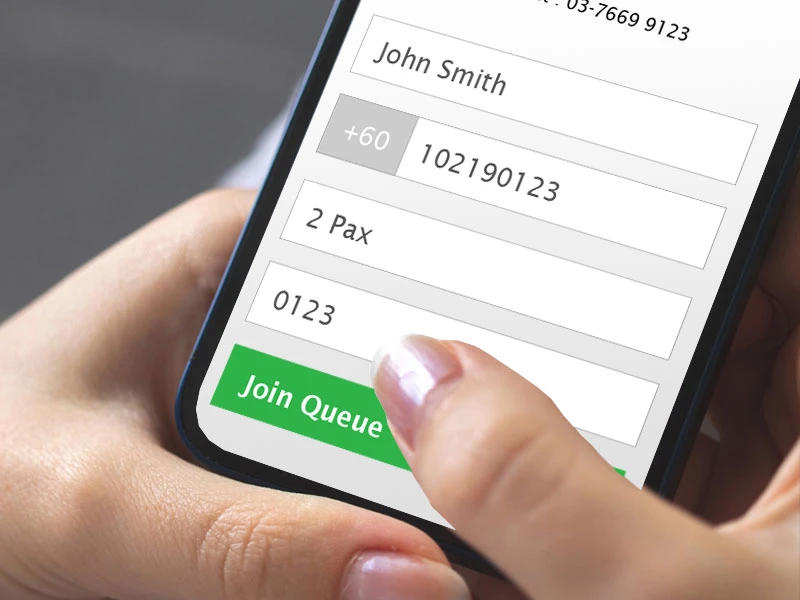
Get Queue No
System will send a WhatsApp message with a Queue Number to your customer.
Start Your Free Trial >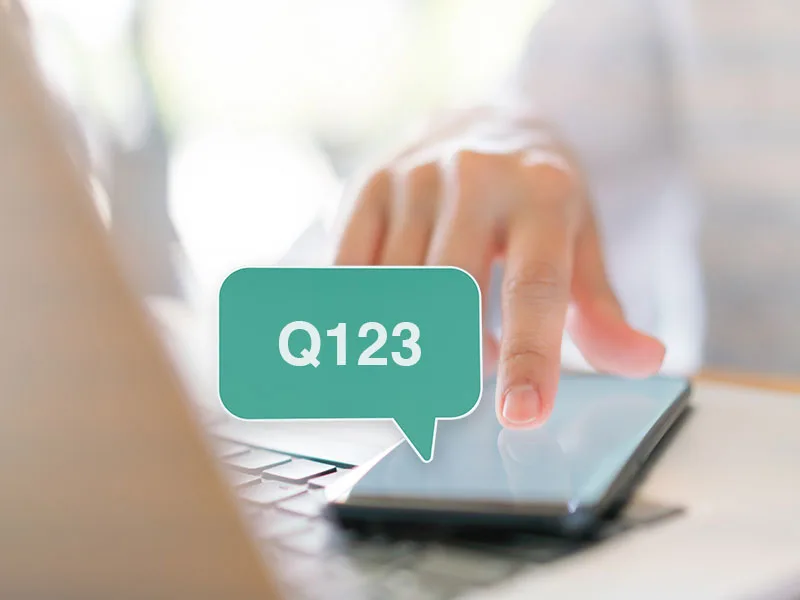
Notification Alert via WhatsApp
Notify customer via WhatsApp message when it is their turn.
Start Your Free Trial >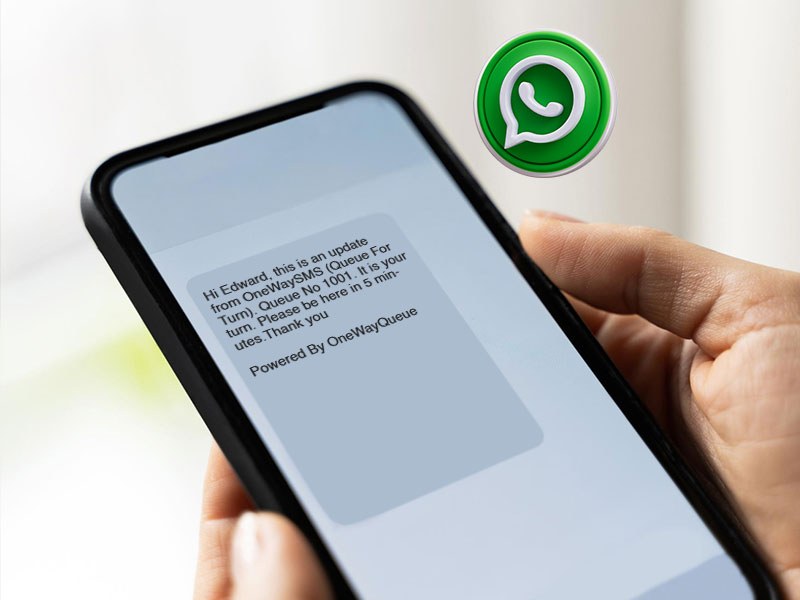
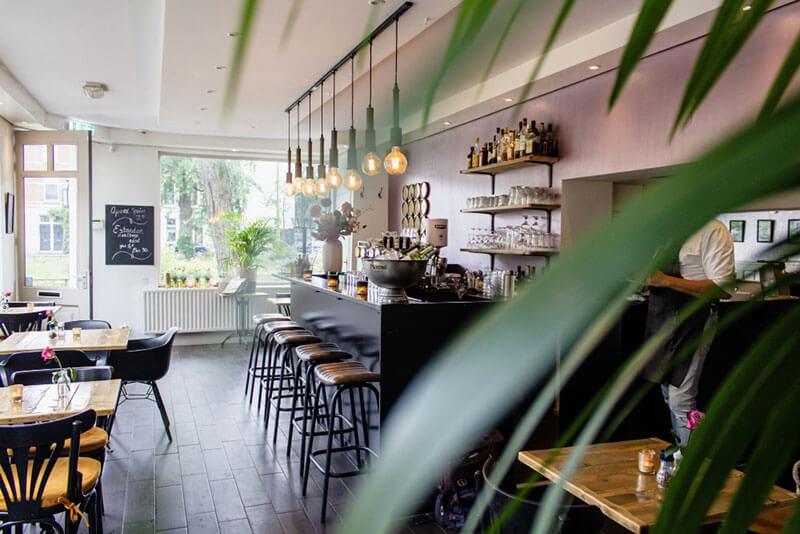
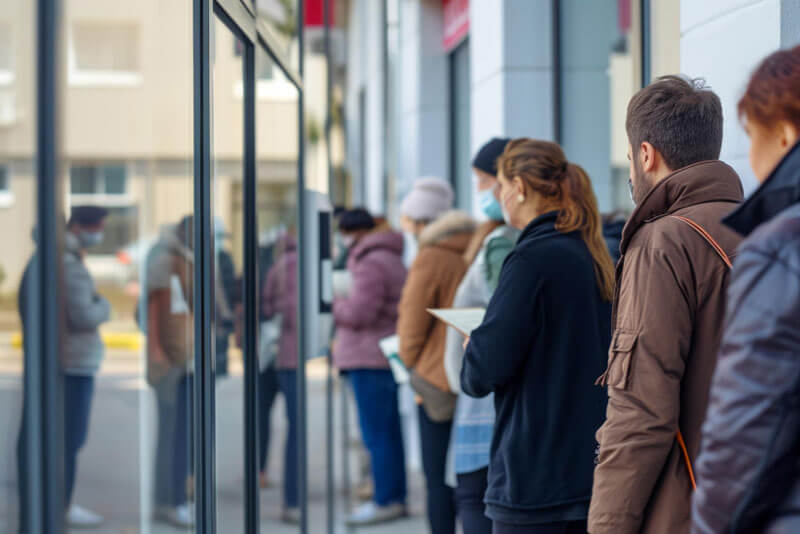
OneWayQueue is suitable for



A plan that works for you
Standard Package
RM200/mth
Billed quarterly.
- 1 QR code per location
- Unlimited Queue Numbers
- QR Queue System
- WhatsApp Notification Alert (Each Whatsapp Message RM 0.09)
- Email Notification Alert (No Additional Charge)
- Reporting
- No installation require
Per Event Basis
RM800
Per event.
- 1 QR code per event.
(Maximum duration per event is 2 weeks) - Unlimited Queue Numbers
- QR Queue System
- WhatsApp Notification Alert (Each Whatsapp Message RM 0.09)
- Email Notification Alert (No Additional Charge)
- Reporting
- No installation require
Queue system features

QR Code scanning to join queue
Receive your queue number via WhatsApp message, with a link to check the current queue status
Frontend System for queue management

Inform customer via WhatsApp when it is their turn

Mechanism to prevent phantom queue

Allow Multiple Departments / Counters
Reporting (Total Queue, No Show, Average Wait Time)
Online system (no additional software or hardware to install)
Queue Screen
Online Menu. Your customers can view your menu while wating
Allow pre-registration for event
Reservation system (For F&B)
Frequently asked questions
Each queue number will receive a minimum of 2 WhatsApp messages: one to get the queue number and one to inform the customer when it is their turn.
Yes you can.
Yes you can. You can set queue to start at 11am - 2pm, 6pm - 8pm. You may also set as 1 session, 11am - 8pm.
For queue management, you can use any hardware (tablet, mobile phone or laptop) with an internet connection. For the TV queue screen, you can use any smart TV with an HDMI connection. All hardware costs are your responsibility.
To prevent phantom queues, update the PIN daily / weekly. In the backend, you can also blacklist mobile numbers that frequently result in no-shows.
Yes, you can. Our system can support mutliple stores.